> ## Documentation Index
> Fetch the complete documentation index at: https://docs.chorus.sh/llms.txt
> Use this file to discover all available pages before exploring further.
# Local Models
> Run Ollama and LMStudio models on Chorus
 Chorus supports local models running via Ollama or LMStudio.
## Ollama
First, set up [Ollama](https://ollama.com). Then run it:
```bash Run Ollama theme={null}
ollama serve
```
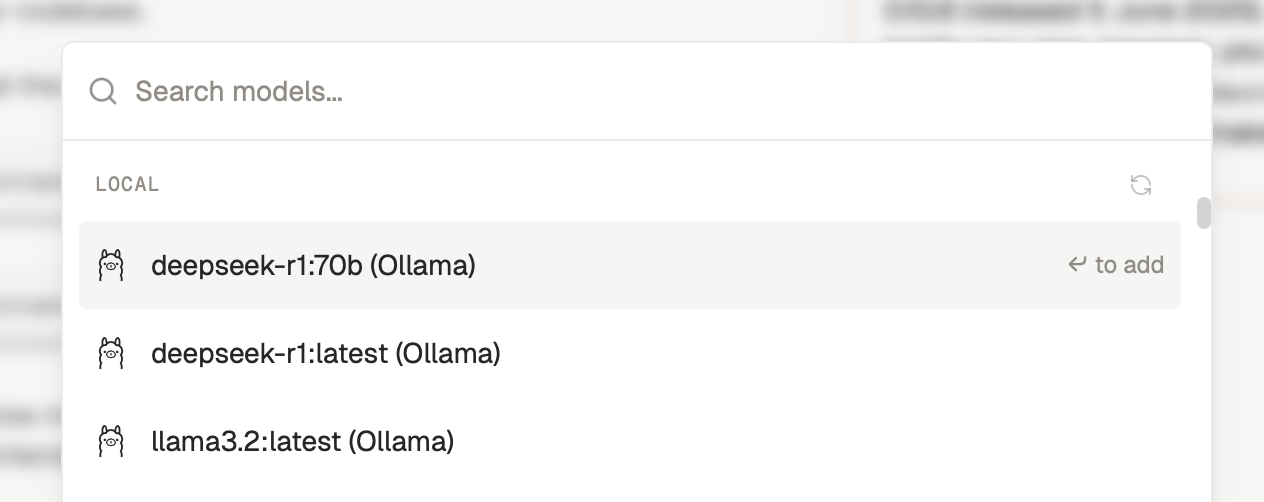
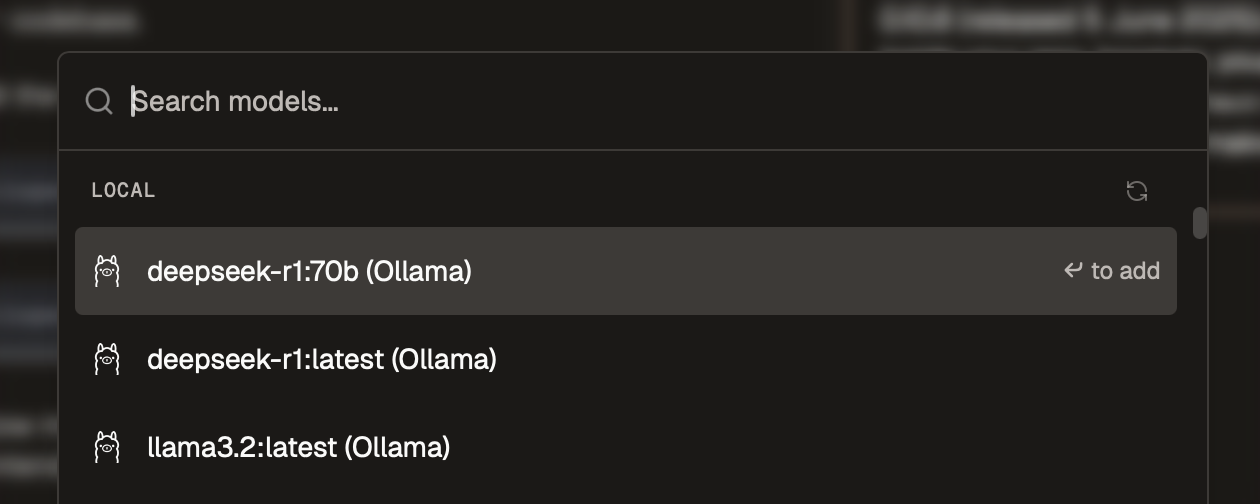
Next, open the model picker (⌘ + J) and scroll to the `LOCAL` section. You may need to click the refresh icon.
## LMStudio
Download [LMStudio](https://lmstudio.ai) and load your first model.
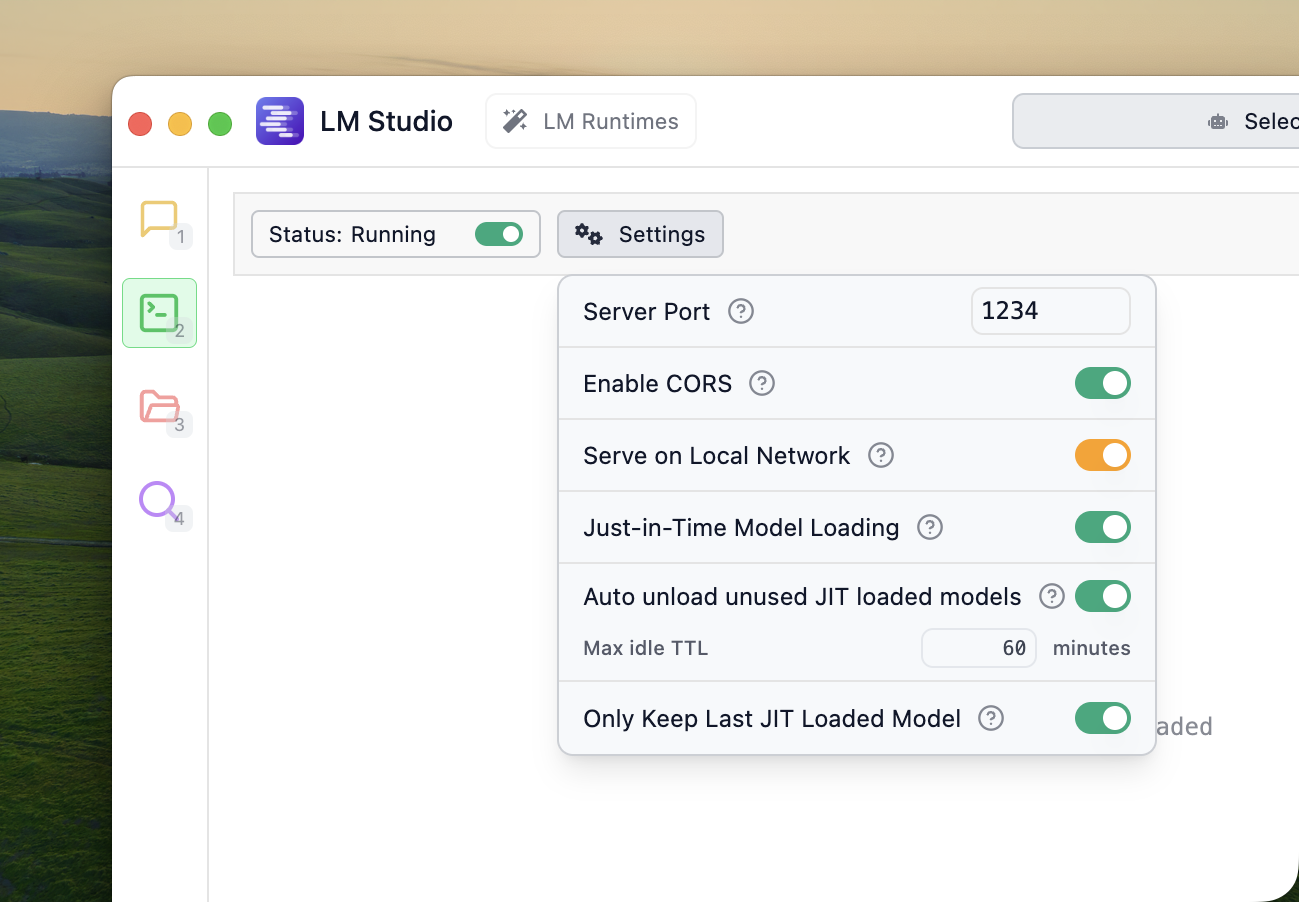
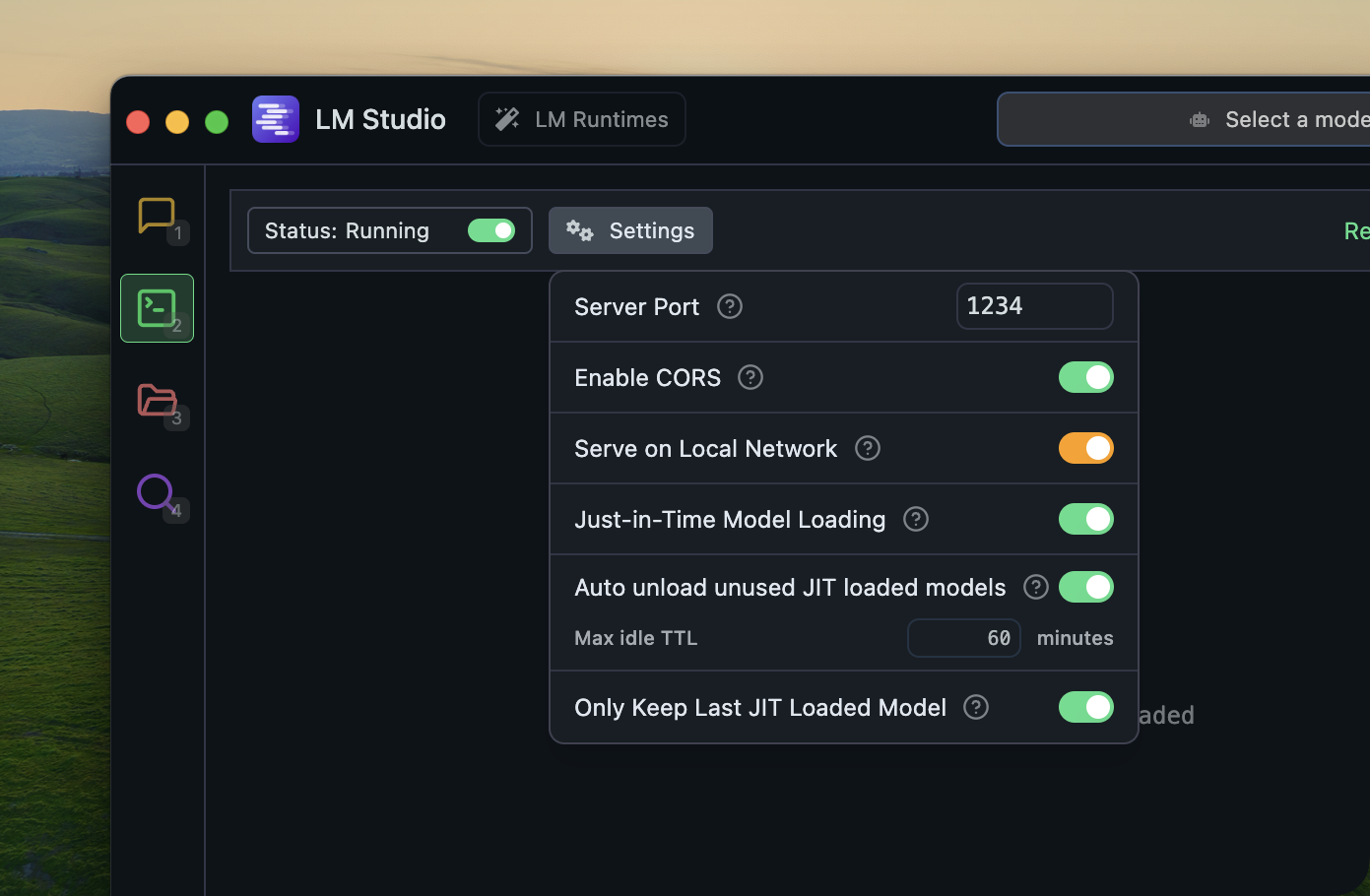
Next, go to the developer tab and start the LMStudio server. Make sure that CORS is enabled:
Chorus supports local models running via Ollama or LMStudio.
## Ollama
First, set up [Ollama](https://ollama.com). Then run it:
```bash Run Ollama theme={null}
ollama serve
```
Next, open the model picker (⌘ + J) and scroll to the `LOCAL` section. You may need to click the refresh icon.
## LMStudio
Download [LMStudio](https://lmstudio.ai) and load your first model.
Next, go to the developer tab and start the LMStudio server. Make sure that CORS is enabled:
 Next, open the model picker (⌘ + J) and scroll to the `LOCAL` section. You may need to click the refresh icon.
### Base URL
To change the LMStudio base URL, go to `Settings` -> `API KEYS` -> Open the LMStudio settings at the bottom of the tab.
Next, open the model picker (⌘ + J) and scroll to the `LOCAL` section. You may need to click the refresh icon.
### Base URL
To change the LMStudio base URL, go to `Settings` -> `API KEYS` -> Open the LMStudio settings at the bottom of the tab.