> ## Documentation Index
> Fetch the complete documentation index at: https://docs.chorus.sh/llms.txt
> Use this file to discover all available pages before exploring further.
# Projects
> Share information across chats
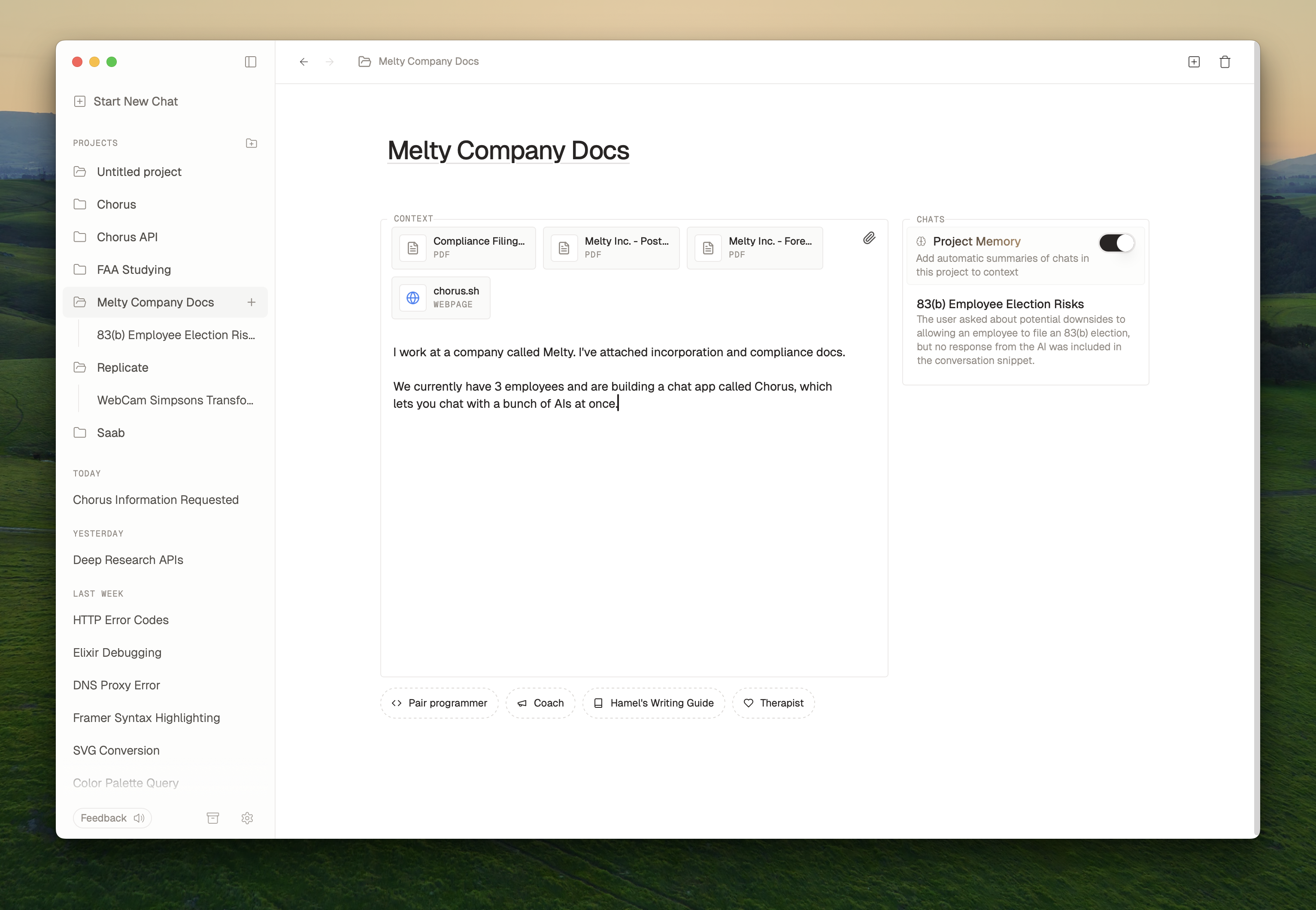
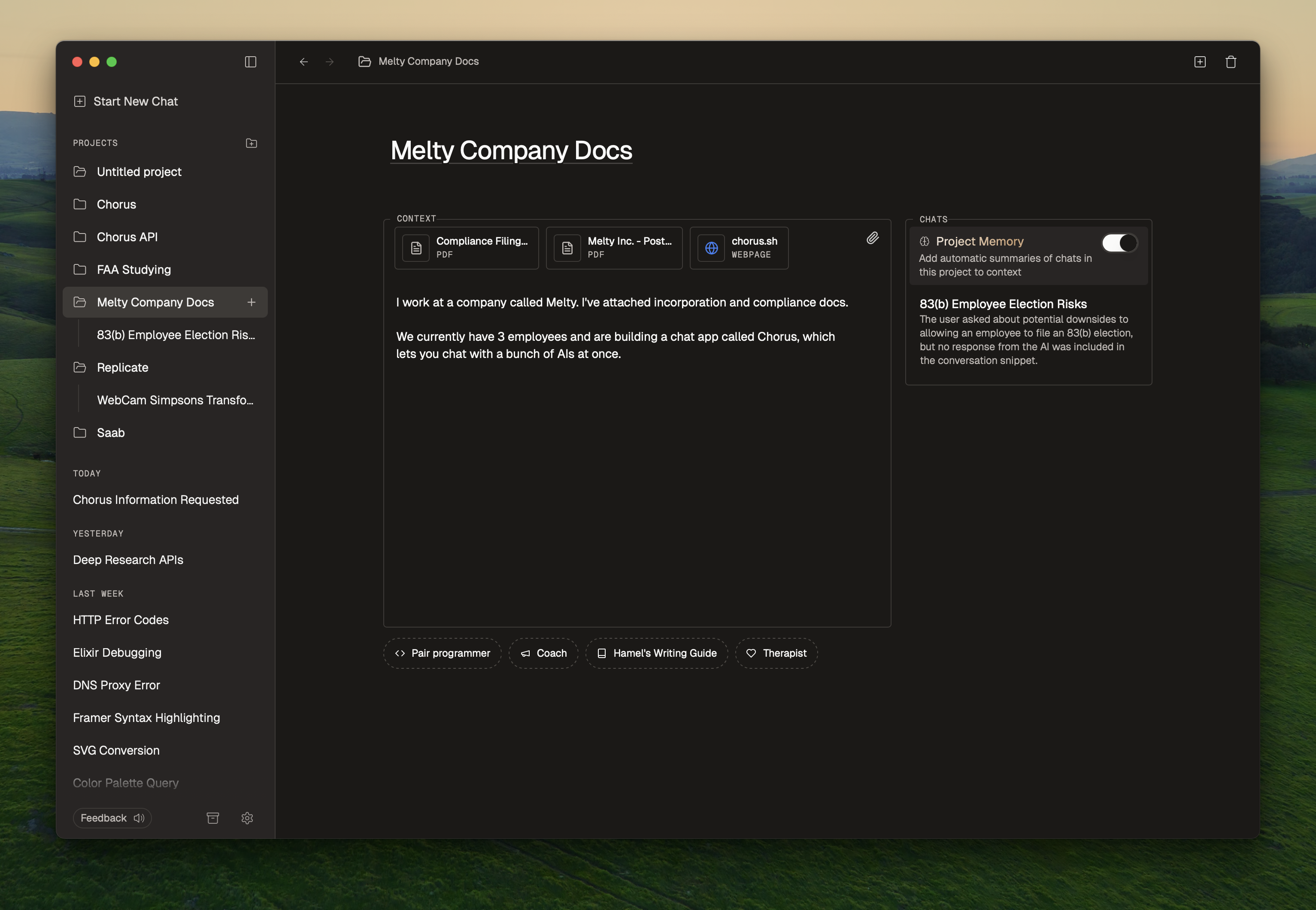 Projects help you share information across chats. You might use a project for
* Financial planning
* Learning a language
* Designing a product
* Health advice
## Creating a project
Projects help you share information across chats. You might use a project for
* Financial planning
* Learning a language
* Designing a product
* Health advice
## Creating a project
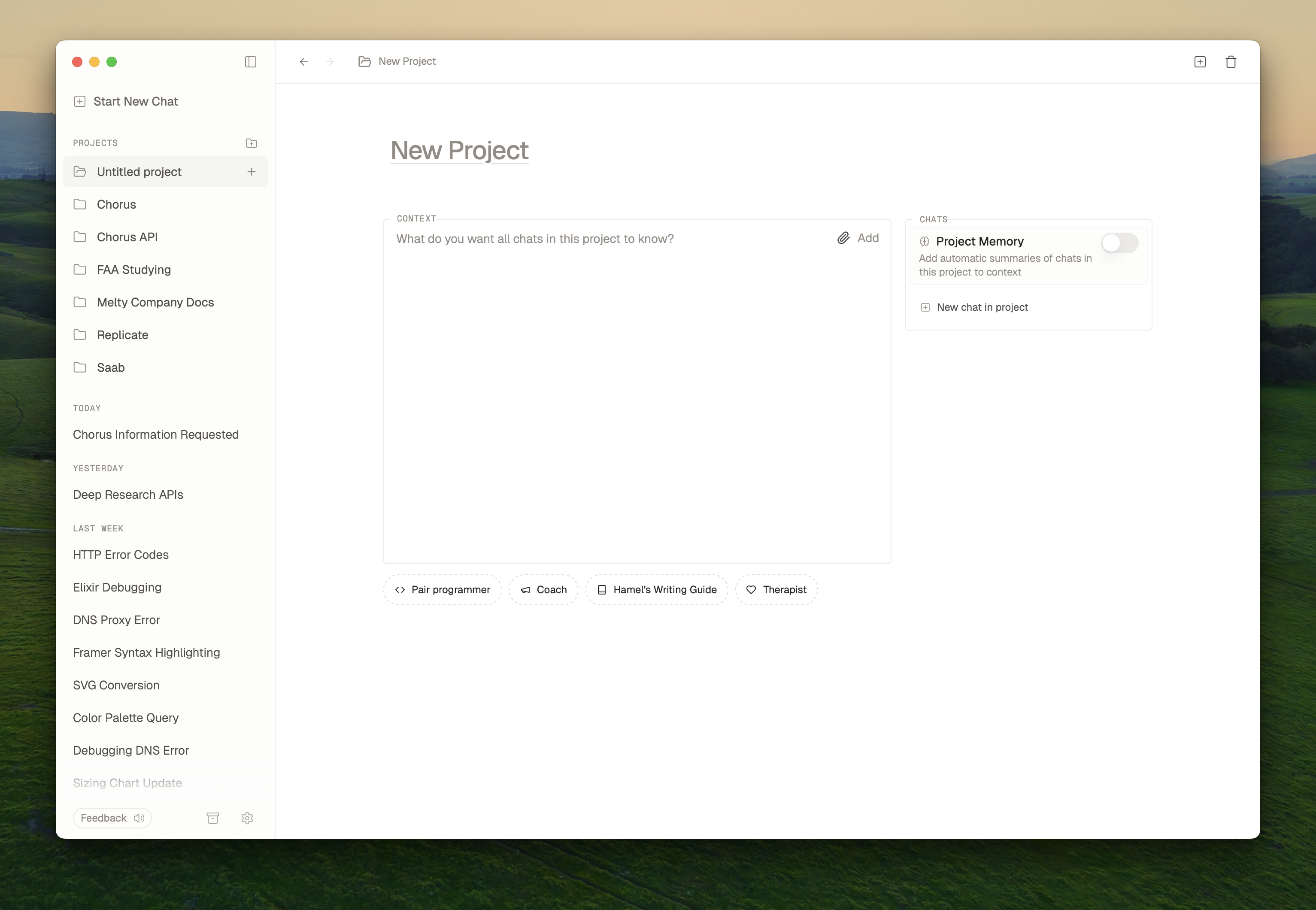
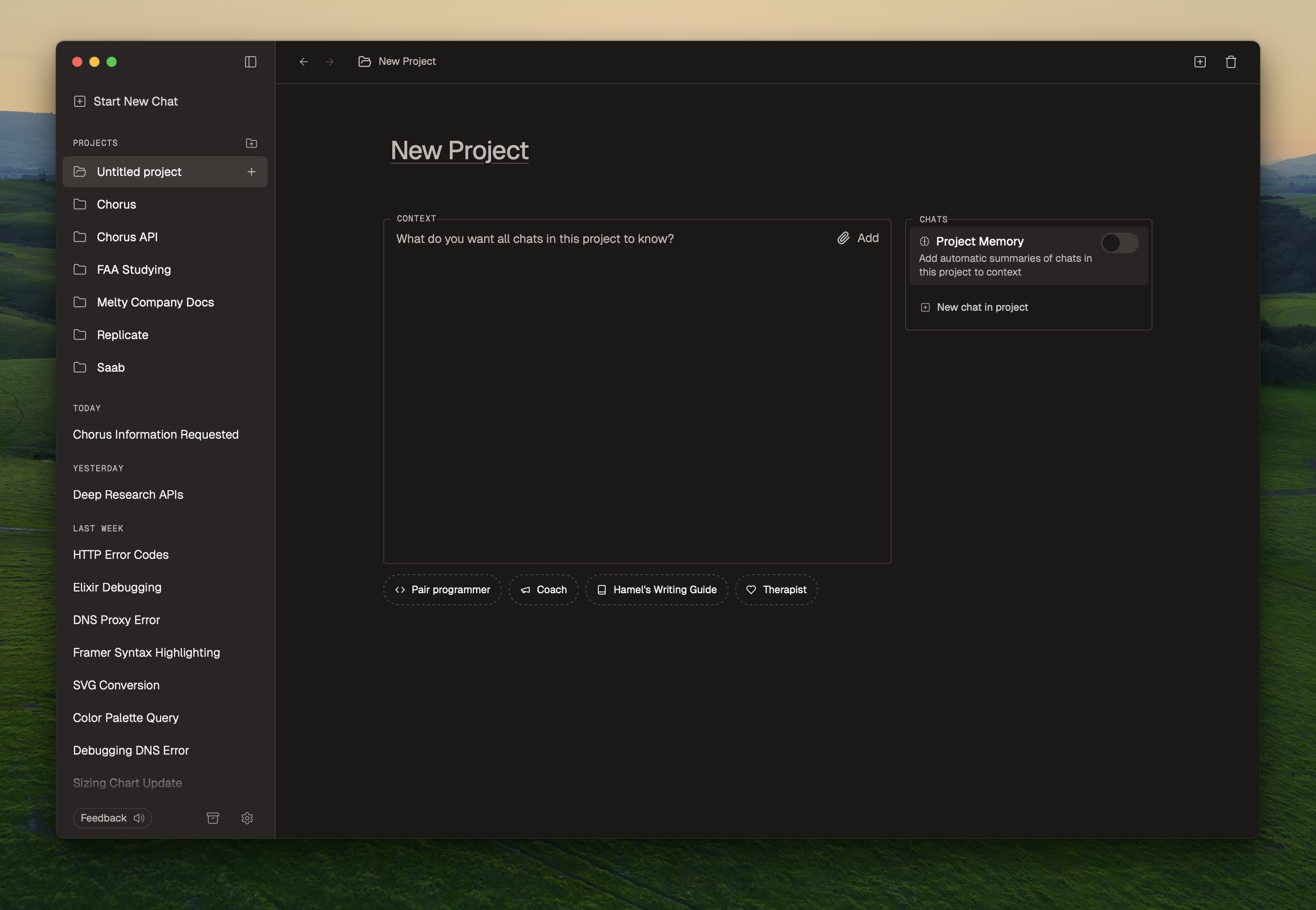 To create a project in Chorus, press ⌘ + Shift + N or click the "New Project" button in the sidebar.
First, give your project a title. This is for your own reference.
Fill out the `Context` field. Anything you write here will be automatically added to each chat in your project. You can also drag in PDFS, images, or text files, or paste links.
Here's an example of a `Context` field that we use at Chorus:
```text Project Context Example theme={null}
You are a pair programmer working helping with app, Chorus. Please use the terminal tool to read my files alongside me. My codebase is in ~/Developer/melty/chorus.
It's built in Tauri 2.0 and Typescript. The API is an Elixir Phoenix app and it's in ~/Develper/melty/api.
Please ask technical questions about my architecture, database queries, and infrastructure to diagnose any issues.
```
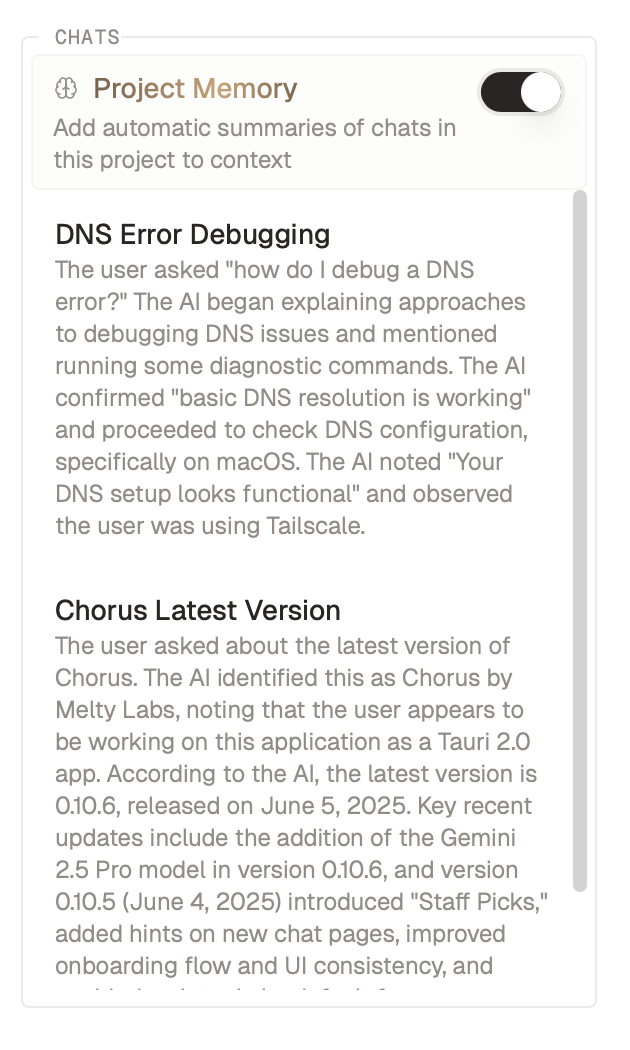
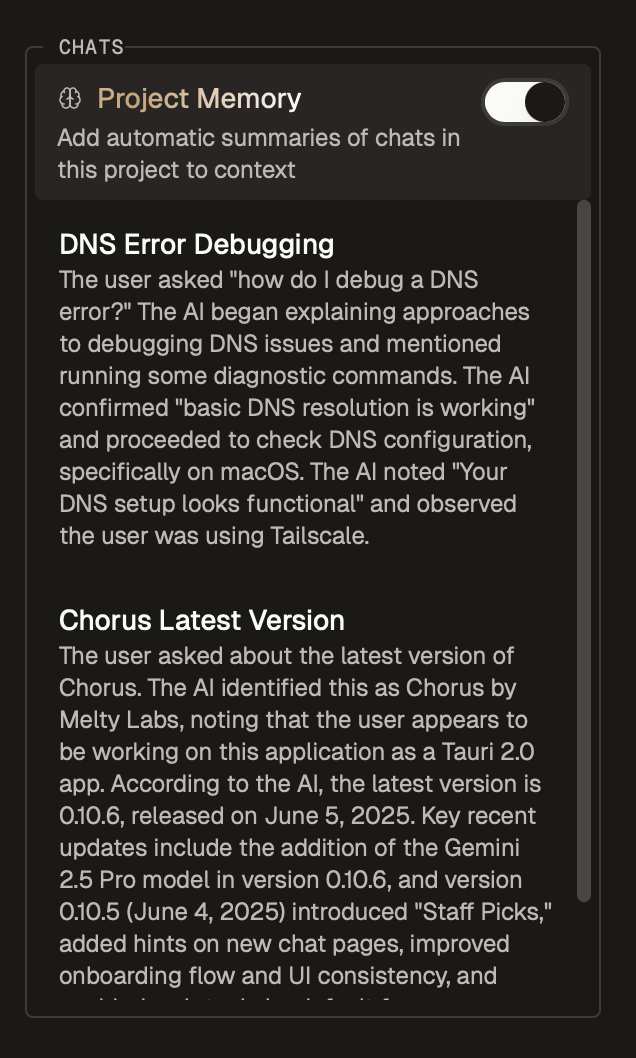
If you want chats to automatically share information with each other, turn on project memory.
## Memory
Project memory is a feature that allows you to share information across chats in a project. When you enable project memory, Chorus will automatically extract key information from each chat in the project to share with all the other chats.
To create a project in Chorus, press ⌘ + Shift + N or click the "New Project" button in the sidebar.
First, give your project a title. This is for your own reference.
Fill out the `Context` field. Anything you write here will be automatically added to each chat in your project. You can also drag in PDFS, images, or text files, or paste links.
Here's an example of a `Context` field that we use at Chorus:
```text Project Context Example theme={null}
You are a pair programmer working helping with app, Chorus. Please use the terminal tool to read my files alongside me. My codebase is in ~/Developer/melty/chorus.
It's built in Tauri 2.0 and Typescript. The API is an Elixir Phoenix app and it's in ~/Develper/melty/api.
Please ask technical questions about my architecture, database queries, and infrastructure to diagnose any issues.
```
If you want chats to automatically share information with each other, turn on project memory.
## Memory
Project memory is a feature that allows you to share information across chats in a project. When you enable project memory, Chorus will automatically extract key information from each chat in the project to share with all the other chats.
 ## Starting a chat
Press ⌘ + N to create a new chat in your project. You can also find the project in the sidebar and click the plus button next to its name.
## Moving a chat into a project
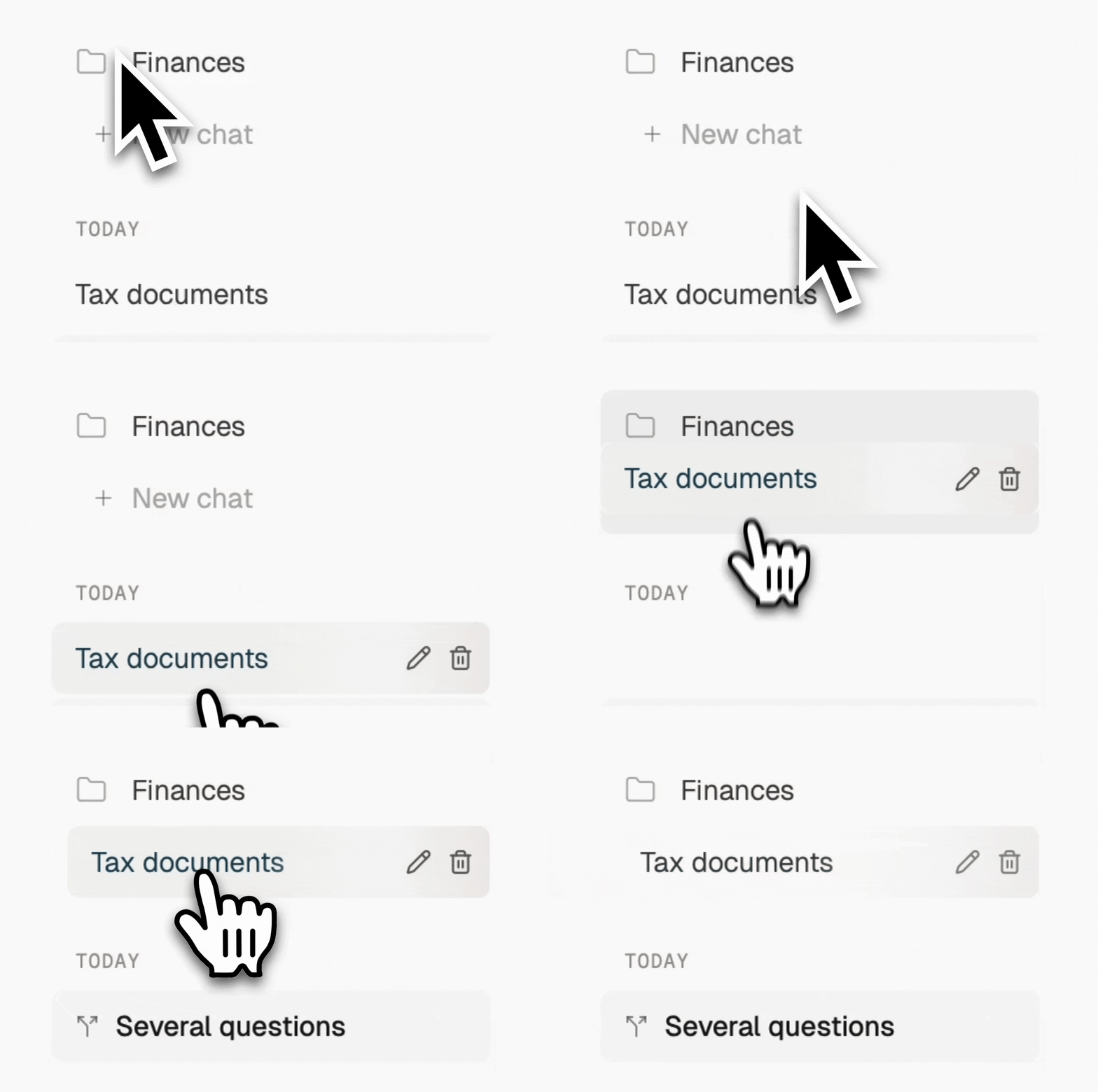
To move a chat into a project, just drag it in:
## Starting a chat
Press ⌘ + N to create a new chat in your project. You can also find the project in the sidebar and click the plus button next to its name.
## Moving a chat into a project
To move a chat into a project, just drag it in:
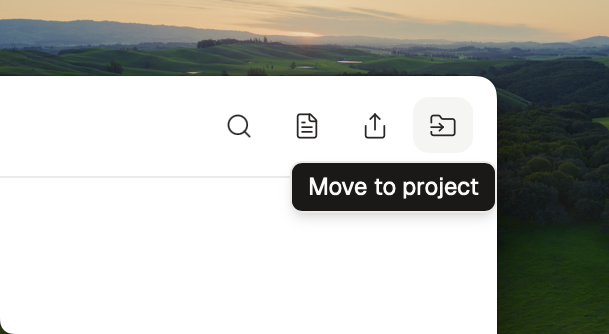
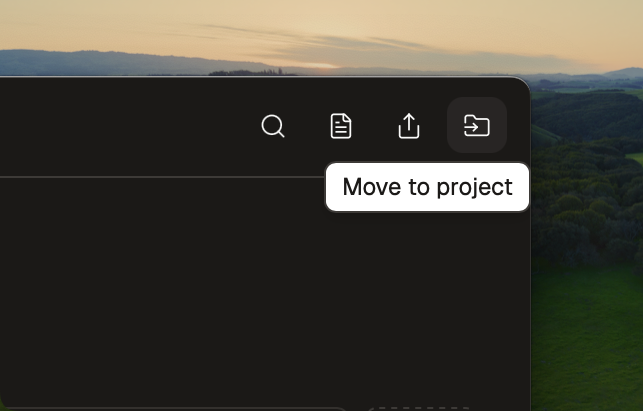
 You can also click the `Move to` button in the top right of a chat.
 ## Deleting a project
Delete a project by going to the project overview page and clicking the Trash icon in the top right.
## Example
Here's a short video on how we use projects at Chorus:
## Deleting a project
Delete a project by going to the project overview page and clicking the Trash icon in the top right.
## Example
Here's a short video on how we use projects at Chorus: