> ## Documentation Index
> Fetch the complete documentation index at: https://docs.chorus.sh/llms.txt
> Use this file to discover all available pages before exploring further.
# Bring Your Own API Keys
> How to bring your own API keys to Chorus
Chorus lets you bring your own API keys to use any of the AI providers at your own cost. When you add a custom API key, we'll use that when calling the AI provider.
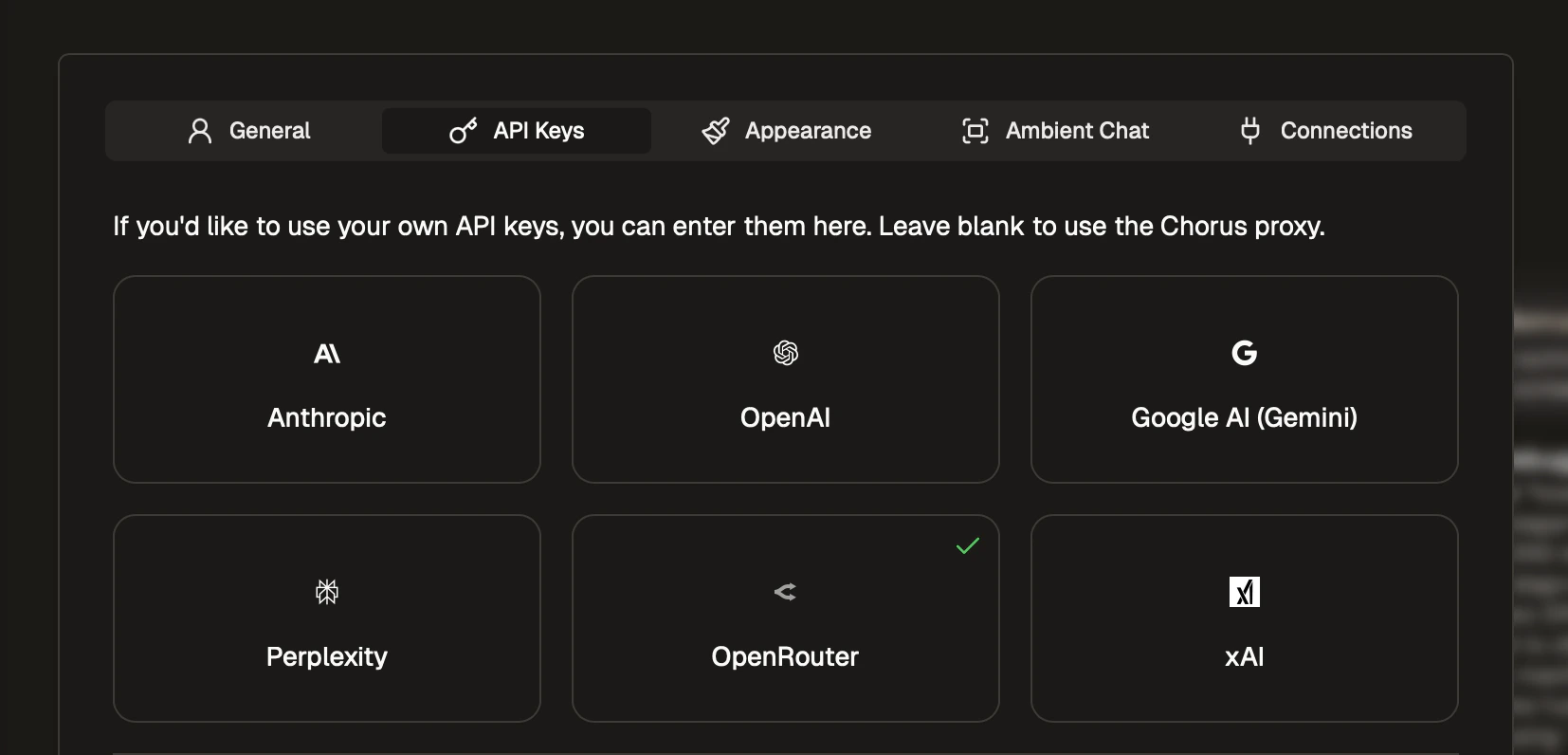
To use your own API keys, go `Settings` > `API Keys` and add your API key.
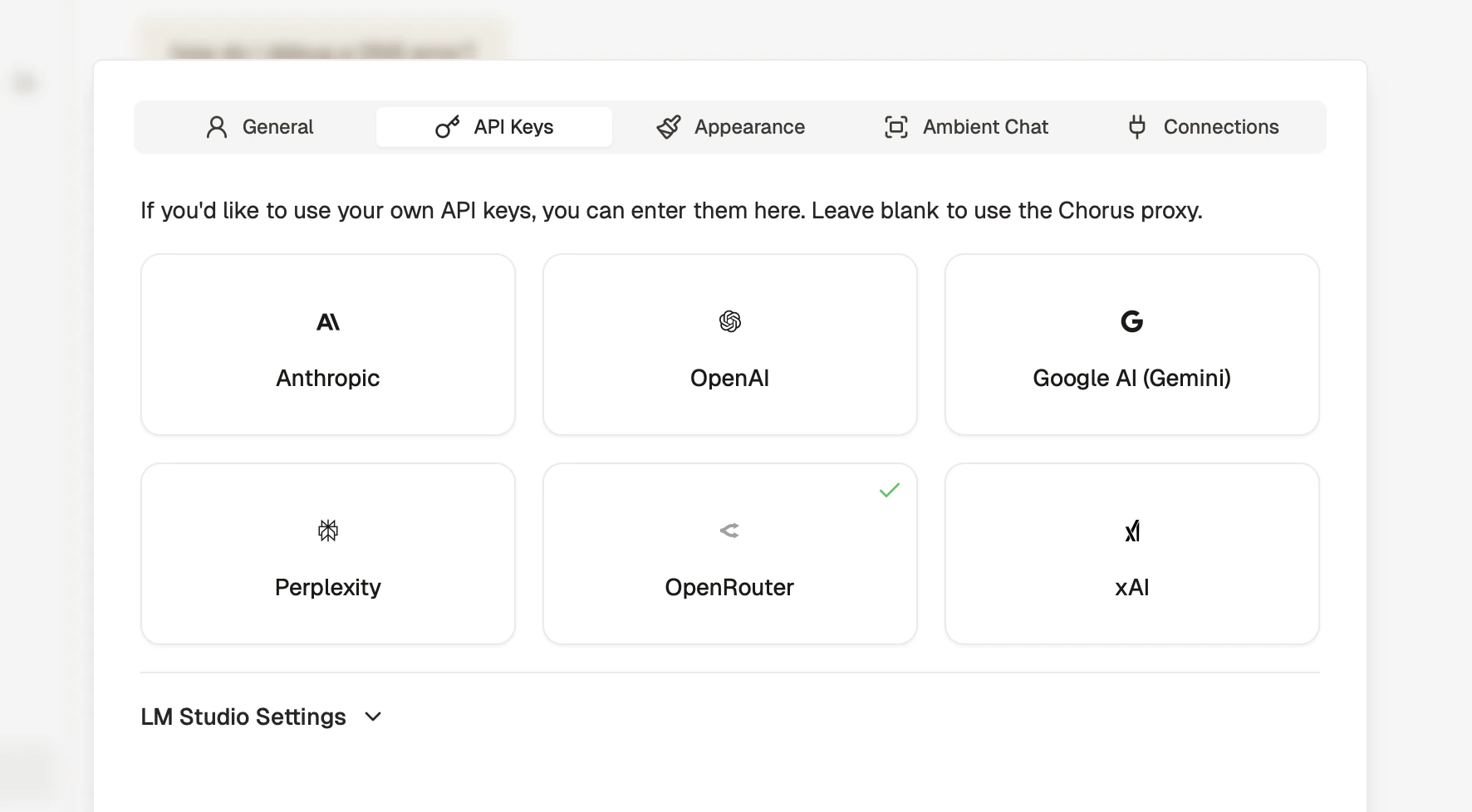
 Your API keys will be stored locally on your computer and are completely private.